Frequently Asked Questions
Questions? We've Got Answers.
How it works, how we protect your data, and how to get the most out of TermCal.
- How extraction works
- Privacy and data security
- Calendar sync setup
General Questions
A deadline and reminder management platform that extracts dates from documents or plain text descriptions. Upload a contract, invoice, or policy—or just describe your schedule in natural language—and TermCal creates calendar reminders automatically. We combine document intelligence with calendar productivity, so everything ends up where the work happens.
Upload a document and TermCal scans for dates, deadlines, recurring events, and key terms. Our extraction finds what's in your document—renewals, expirations, payment due dates, and more—then turns them into calendar reminders.
PDF, Word (DOCX), Excel (XLSX), PowerPoint (PPTX), and plain text. Most document formats work—upload and see what dates we find.
Yes. TermCal works in any browser on any device.
No—and that's intentional. Document management requires judgment no tool can replace. TermCal surfaces what's in your documents so you can manage them effectively.
Privacy & Security
We use advanced AI with strict rules. This forces the system to extract exactly what is in the document rather than generating creative text, which significantly minimizes the risk of errors.
Yes. We use secure, enterprise-grade AI partners for extraction. Your data is encrypted in transit and at rest, and is never used for training purposes.
No. Your data is never used to train any AI models, neither by us nor our partners. Your information is used solely to provide the extraction service to you.
We rely exclusively on providers owned and operated in Canada and France. By avoiding US-owned cloud giants, we ensure your data remains under strict local privacy laws and is not subject to the US Cloud Act.
Yes. Delete contracts anytime. Request full account deletion. We comply with GDPR.
Features & Usage
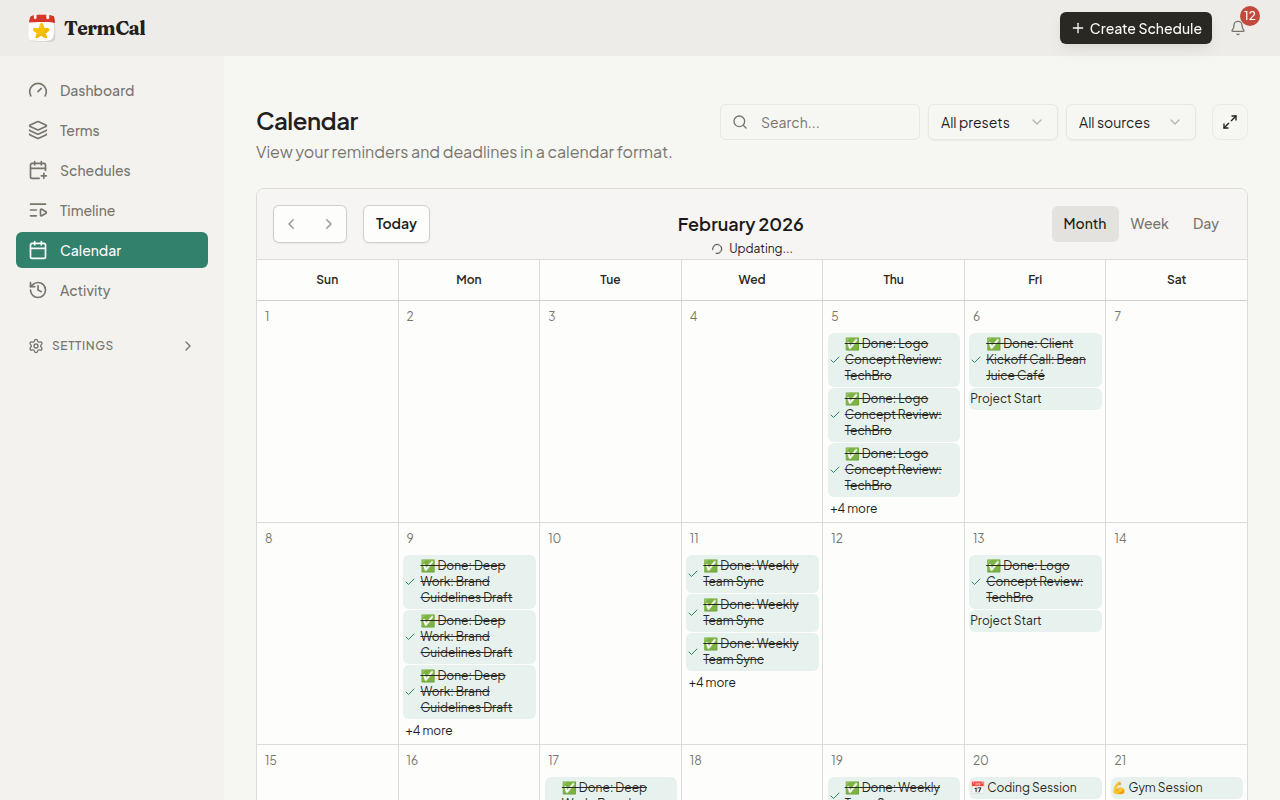
Subscribe to your TermCal feed in any calendar app (Apple Calendar, Outlook, Google Calendar). Deadlines appear as native events right beside your meetings. Your calendar app handles notifications—no new app to learn.
TermCal shows you what it found before anything goes to your calendar. Review, edit, add, or remove dates. You're always in control—we only surface what's actually in your document.
Yes. Set account-level defaults and override them per document. Choose from 15 minutes to 90 days before a deadline. Paid plans allow unlimited custom schedules.
Any document with dates and deadlines: contracts, invoices, leases, certificates, policies, and plans. This includes service agreements, NDAs, SaaS subscriptions, vendor contracts, insurance policies, compliance certificates, project milestones, and more.
No. No mandatory steps, no approvals, no enforced processes. Export your data anytime.
Yes! On all plans, invite team members by email. Everyone sees the same documents and deadlines, and on Team plans you can see who made changes.
Yes! Invite clients as Viewers—they can log in and see relevant deadlines without editing access. Viewer seats are unlimited and free on all plans.