Describe It.
We'll Schedule It.
From Description to Deadline in Seconds
No more manually entering calendar events. Describe a schedule in plain language and TermCal extracts dates, detects recurring patterns, and creates reminders automatically.
- "Gym every Tuesday and Thursday at 6am"
- "Board meeting first Wednesday of each month"
- "Rent due on the 1st, remind me 3 days early"
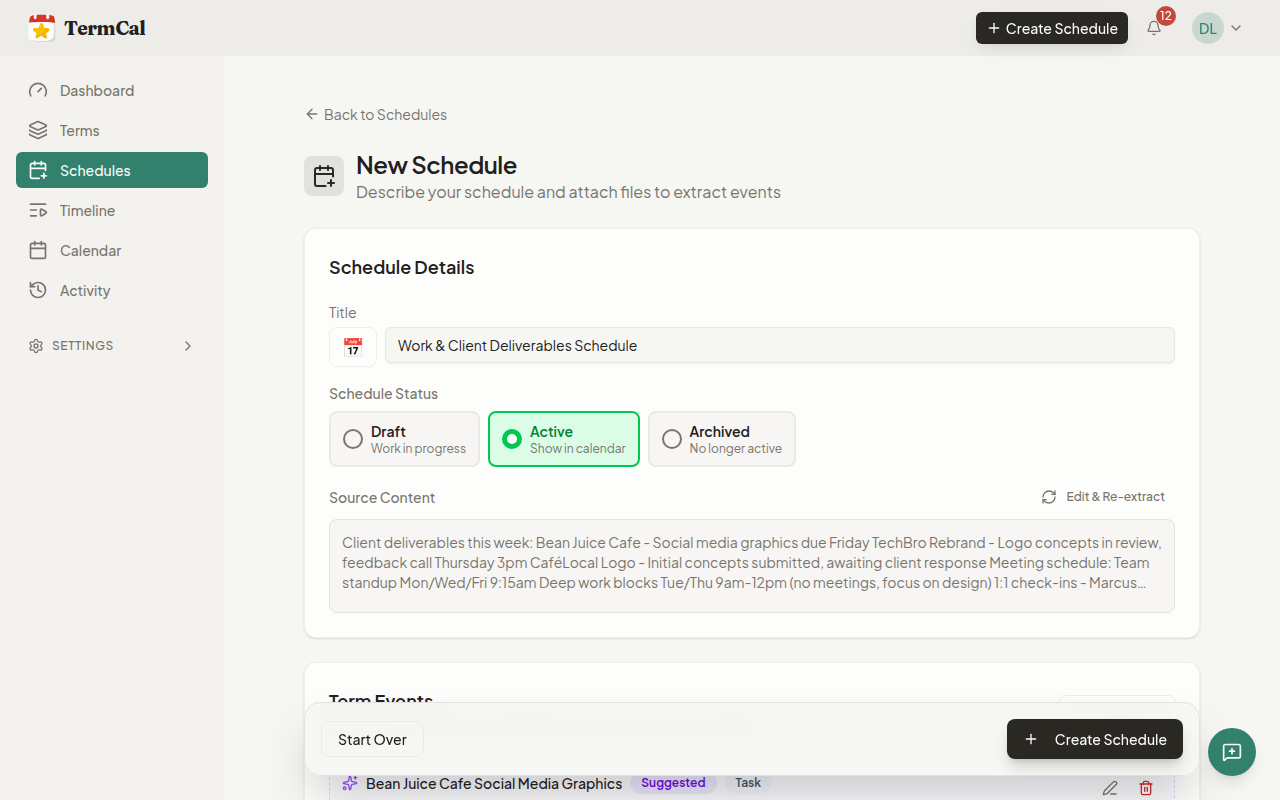
How Quick Schedule Works
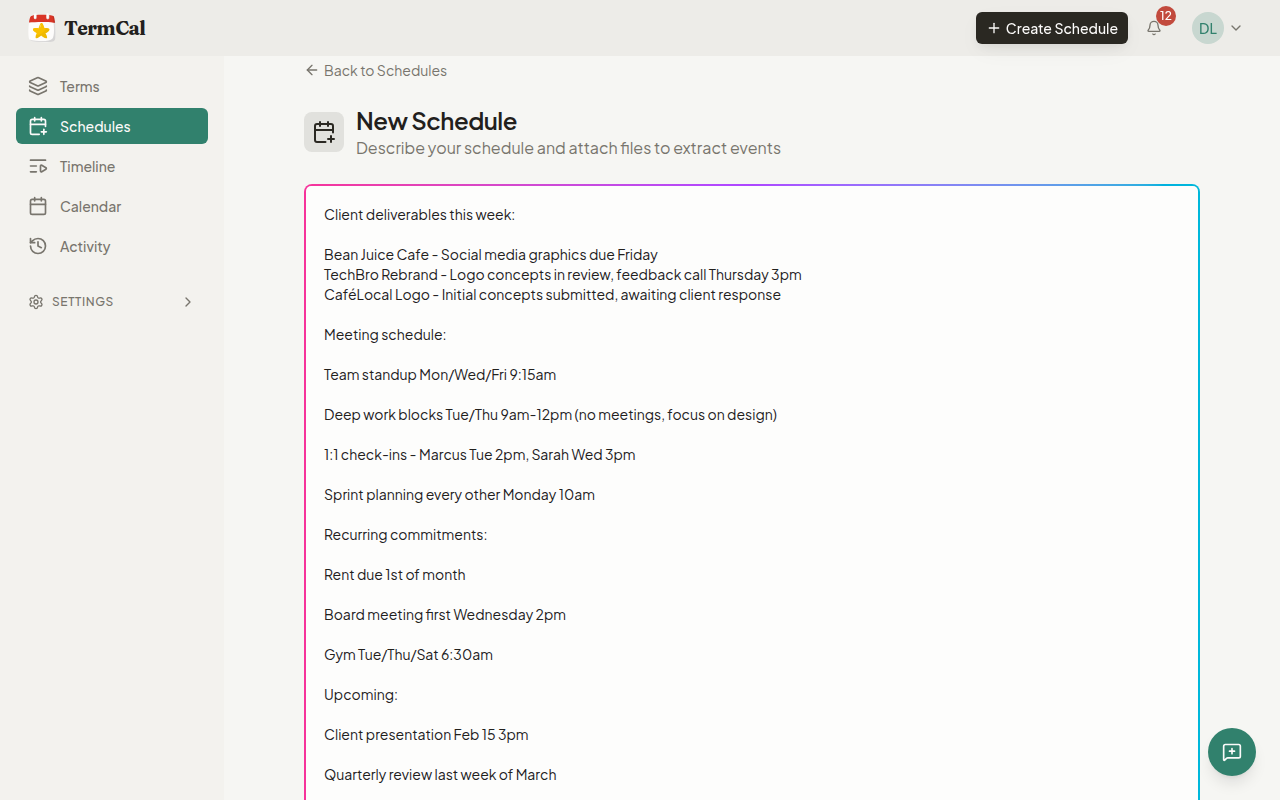
Type a schedule description. TermCal extracts every date and recurring pattern. Review what we found, edit if needed, then save. Reminders sync to the calendar instantly.
- 1. Describe commitments in plain English
- 2. Review extracted dates and patterns
- 3. Customize reminders before saving
- 4. Events sync to Apple, Google, or Outlook
Quick Schedule vs. Manual Entry
Why type each event individually when you can describe them all at once?
| Feature | Quick ScheduleRecommended | Traditional Calendar |
|---|---|---|
Input Method | Paste/type a description | One event at a time |
Recurring Events | "First Tuesday of month" understood | Click through recurrence dialogs |
Reminder Customization | Advance notices + day-of | Basic reminder only |
Time to Schedule | Seconds | Minutes per event |
Available on All Plans
Quick Schedule is included with every TermCal plan—Solo, Pro, and Team. Start creating schedules from text today.
Ready to schedule smarter?
Calendar on your terms.